Connecting Bluesky to CoPost
A step-by-step guide to integrate your Bluesky account with CoPost for seamless social media management.
About Connecting Bluesky to CoPost
Connecting your Bluesky account to CoPost allows you to schedule, publish, and manage your Bluesky posts alongside all your other social media channels in one unified workspace. Once connected, you can use CoPost's AI Assistant to create engaging content, plan your posting schedule, and maintain a consistent brand voice across platforms.
Steps to Connect Your Bluesky Account
Creating an App Password in Bluesky
Bluesky requires an app password for third-party applications like CoPost to securely access your account. Follow these steps to create one:
- Log in to your Bluesky account at bsky.app
- Click on your profile icon in the top right corner
- Select Settings from the dropdown menu
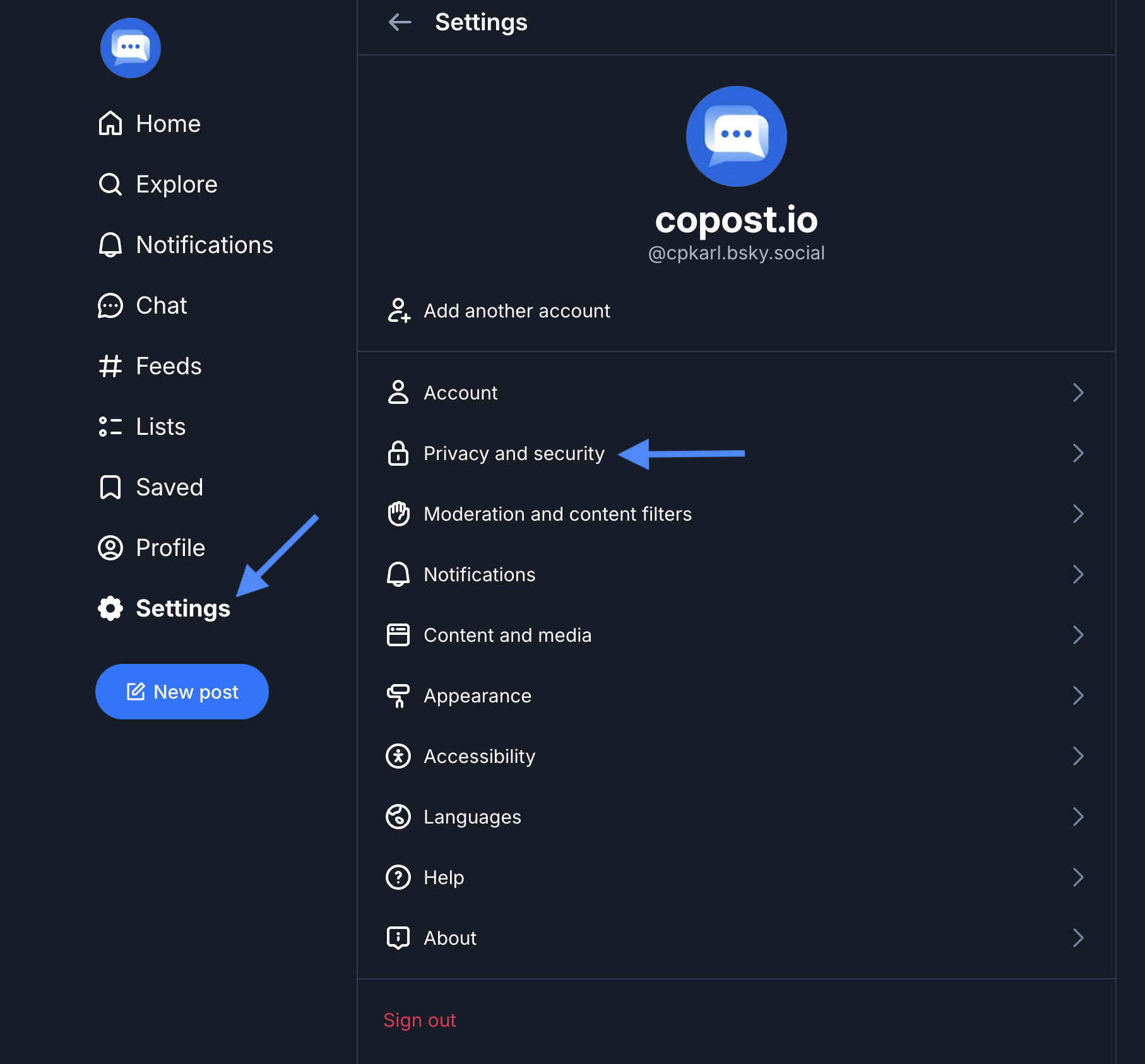
- Scroll down and click on App Passwords in the settings menu
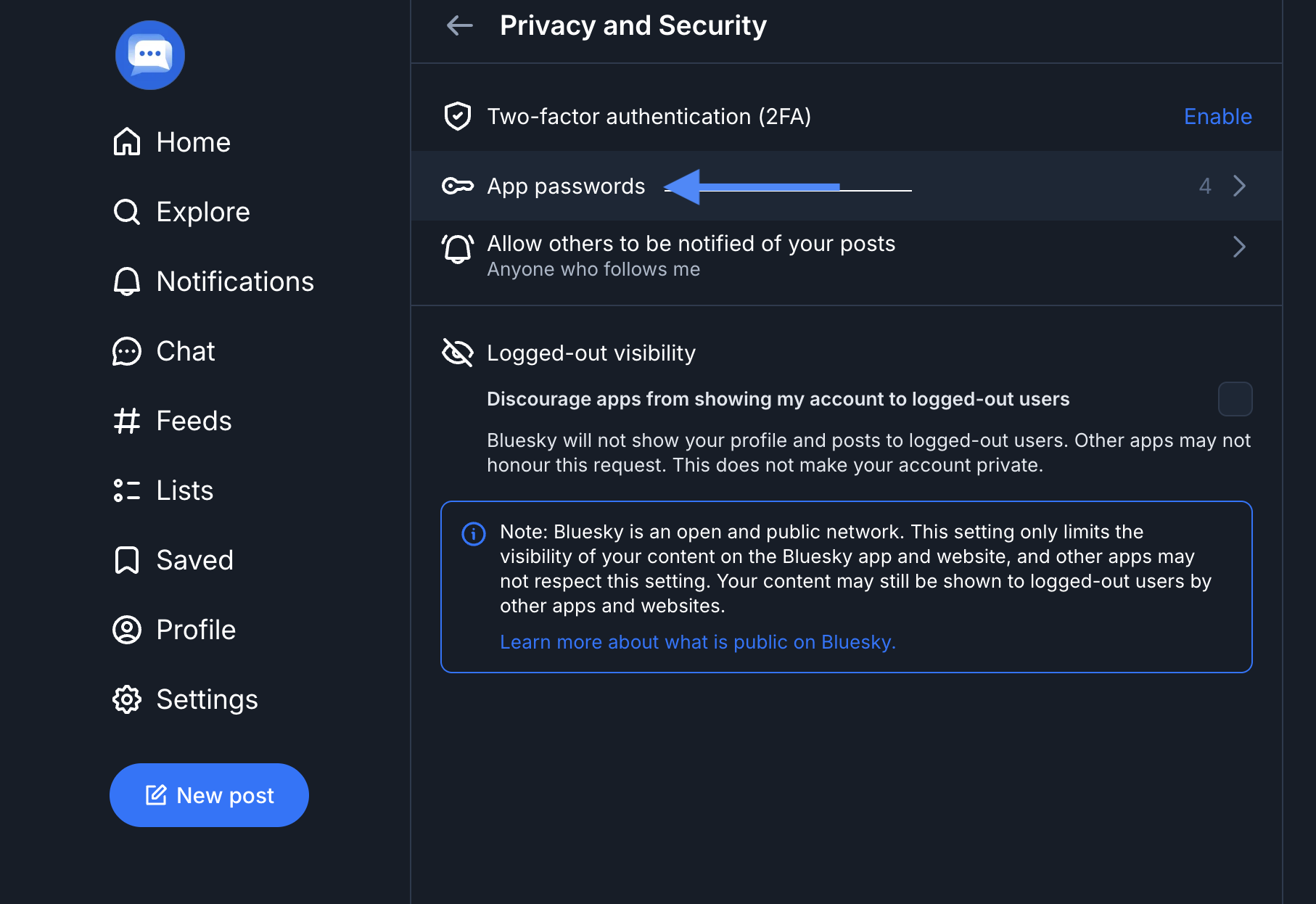
- Click on Add App Password
- Enter a name for your app password (e.g., "CoPost" or "CoPost Social Manager")
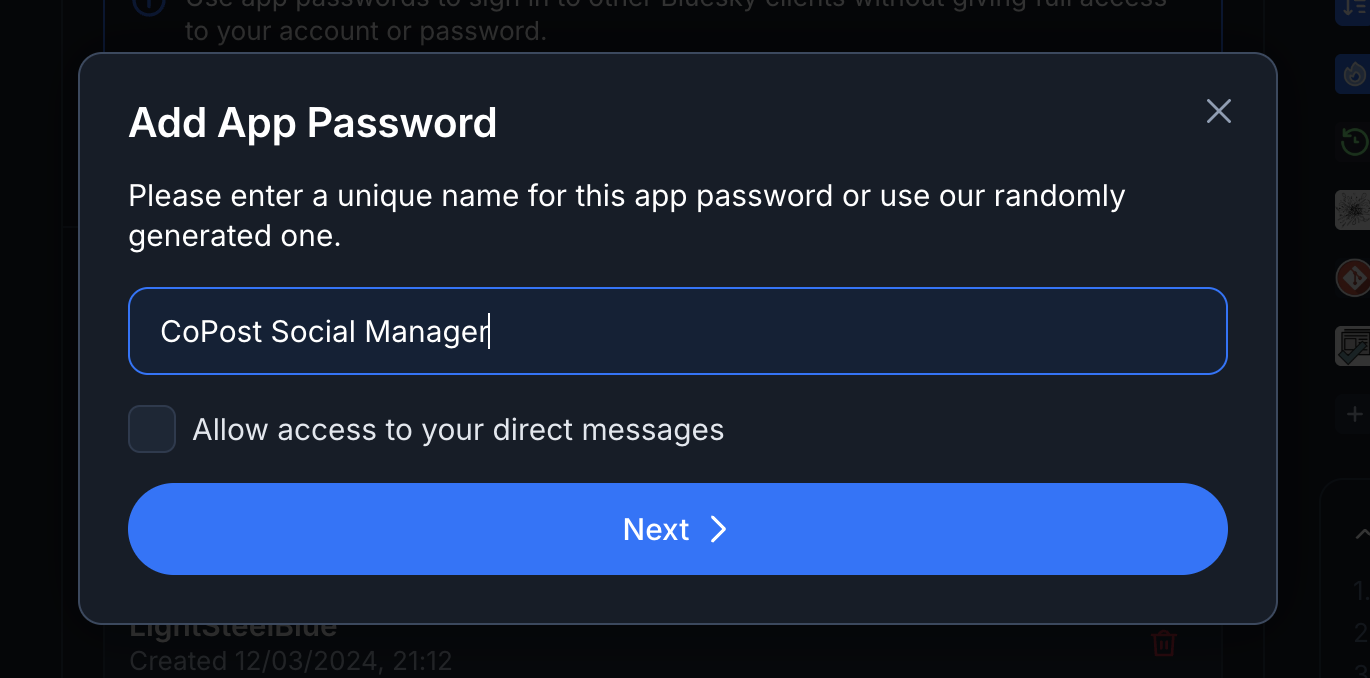
- Click Create to generate your app password
- Important: Copy the generated app password immediately — you won't be able to see it again
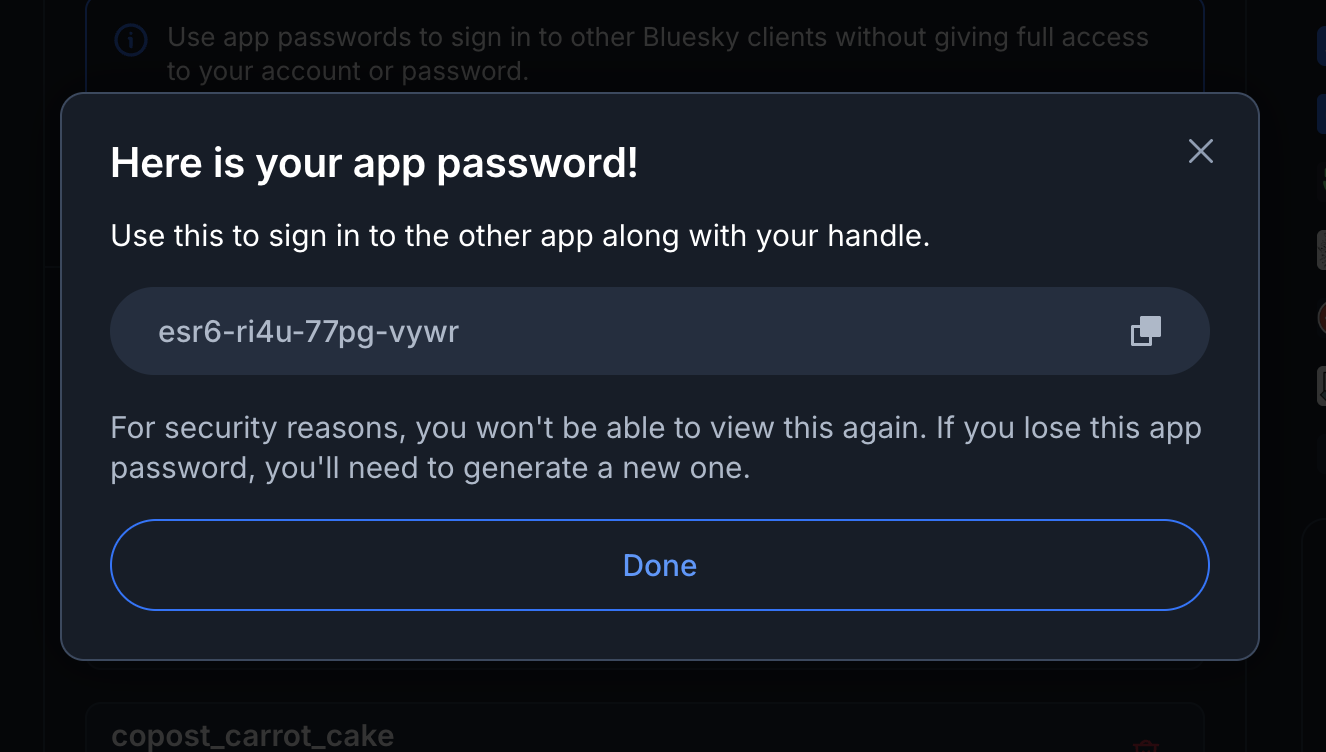
Keep your app password secure and don't share it with anyone. If you lose it, you can always create a new one and revoke the old password.
- Also note your Bluesky handle (username) — you'll need this for CoPost
Connecting Bluesky in CoPost
Now that you have your Bluesky app password, you're ready to connect your account to CoPost:
-
Log in to your CoPost account at copost.app
-
Go to Manage > Integrations in the left-hand menu and open the Connect More tab
-
Click Connect on Bluesky
-
Enter your Bluesky identifier (your handle, e.g., "yourname.bsky.social")
-
Paste the app password you copied from Bluesky
-
Click Connect to link your account
That's it! Your Bluesky account is now connected to CoPost. You can start creating and scheduling posts to Bluesky from Composer, use the AI Assistant to generate engaging content, and manage all your social channels in one place.
You can connect multiple Bluesky accounts to CoPost by repeating these steps for each account you want to manage.